

Description
Secure Mobile Browsing with Steganos Online Shield VPN
Overview
Steganos Online Shield VPN APK is a mobile security tool developed by Steganos Software GmbH, designed to enhance privacy and protect online activities on Android devices. The application functions as a virtual private network (VPN), enabling users to encrypt their internet traffic and mask their real IP address. This is particularly valuable in environments where network security is compromised, such as public Wi-Fi hotspots, which are often vulnerable to data interception and tracking. By routing traffic through remote servers, the app helps prevent unauthorized access to sensitive information, including personal data, financial details, and private communications.
Target users include individuals concerned about digital privacy, remote workers needing secure access to corporate resources, and travelers who frequently connect to untrusted networks. The software is especially useful for those who access region-restricted content or wish to maintain anonymity while browsing. It supports standard mobile network protocols, including 3G, 4G, EDGE, GPRS, and LTE, ensuring broad compatibility with most Android devices. The developer did not provide additional system requirements, and exact performance details were not specified.
Key Features & Capabilities
- IP Address Masking: Hides the user’s original IP address by assigning a random one from Steganos’ global server network, enhancing anonymity during online activities.
- Encrypted Network Traffic: Applies strong encryption to all data transmitted between the device and the internet, preventing eavesdropping by third parties.
- Global Server Access: Connects users to worldwide private servers owned by Steganos, enabling access to geo-blocked websites and content.
- Multi-Network Support: Automatically detects and connects to various mobile and internet protocols, including 3G, 4G, LTE, EDGE, and GPRS.
- Privacy Protection: Shields user activity from hackers, ISPs, and malicious actors attempting to track online behavior or steal confidential data.
These features allow users to browse securely in public spaces, access restricted content, and protect sensitive data during transactions. For example, a business traveler using a café’s Wi-Fi can use the app to prevent data leaks, while a user in a restricted region can access international news platforms. The app’s design emphasizes seamless integration with standard Android network configurations, minimizing user intervention during setup and connection.
User Interface, Workflow & Performance
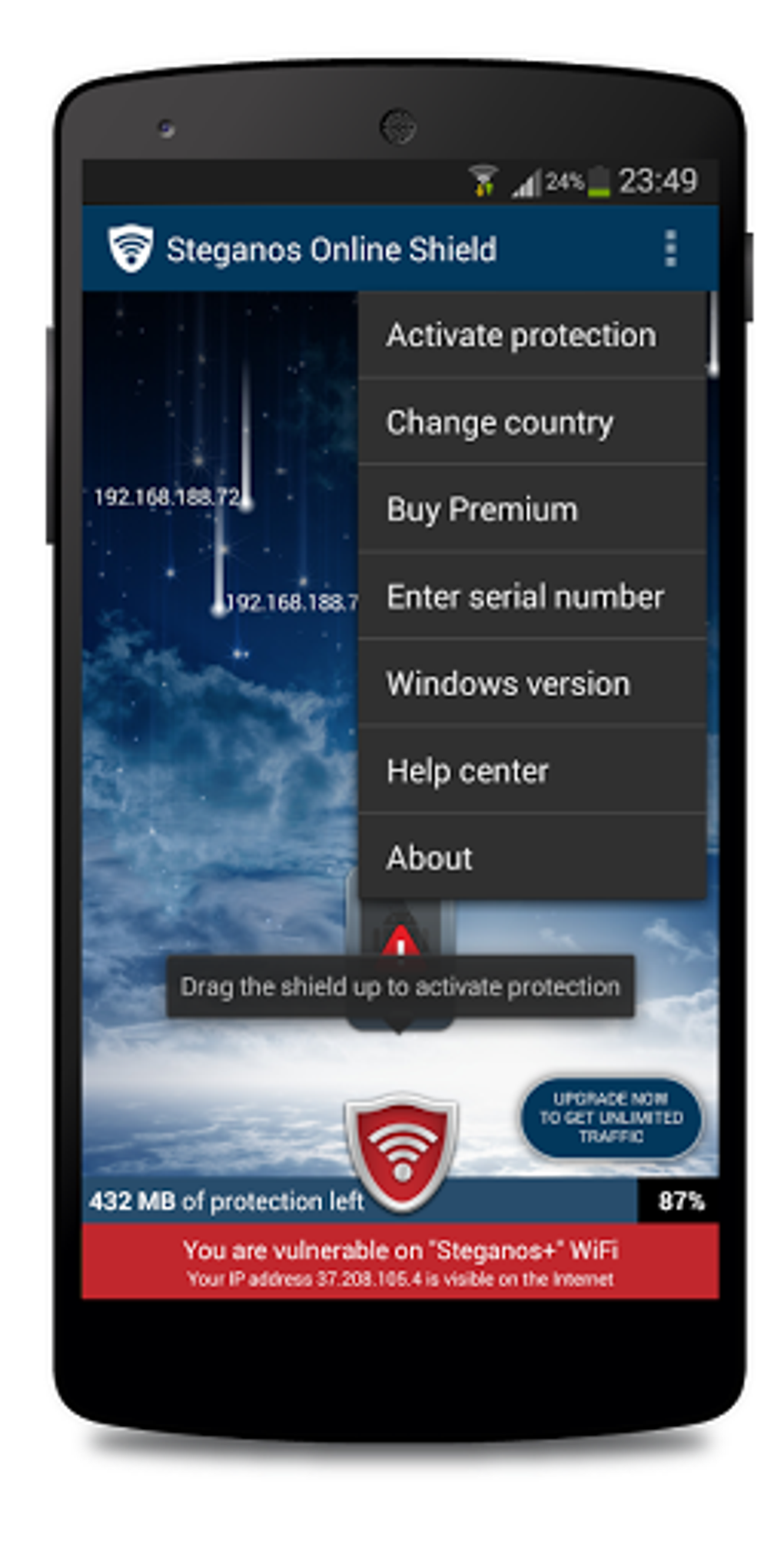
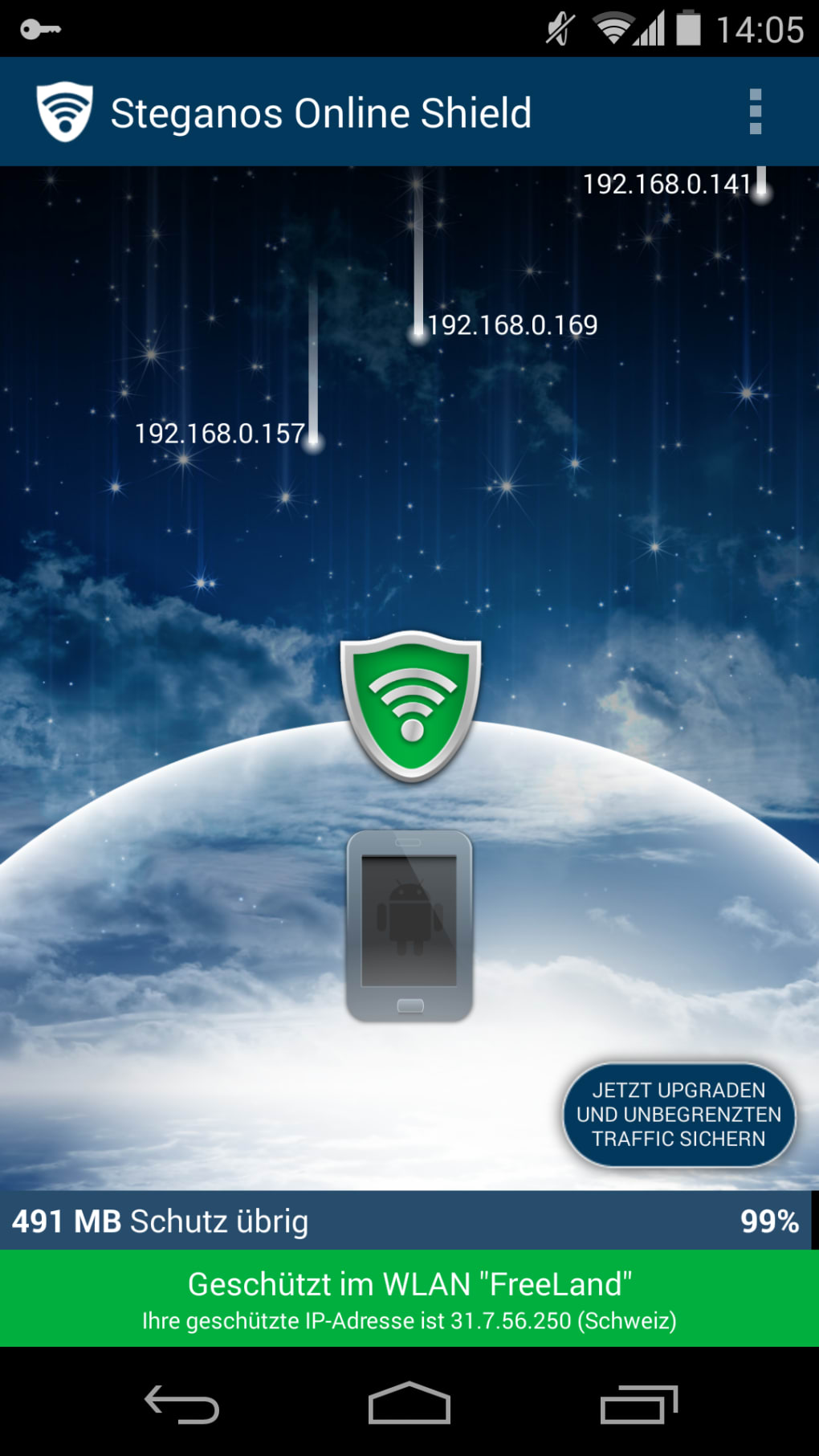
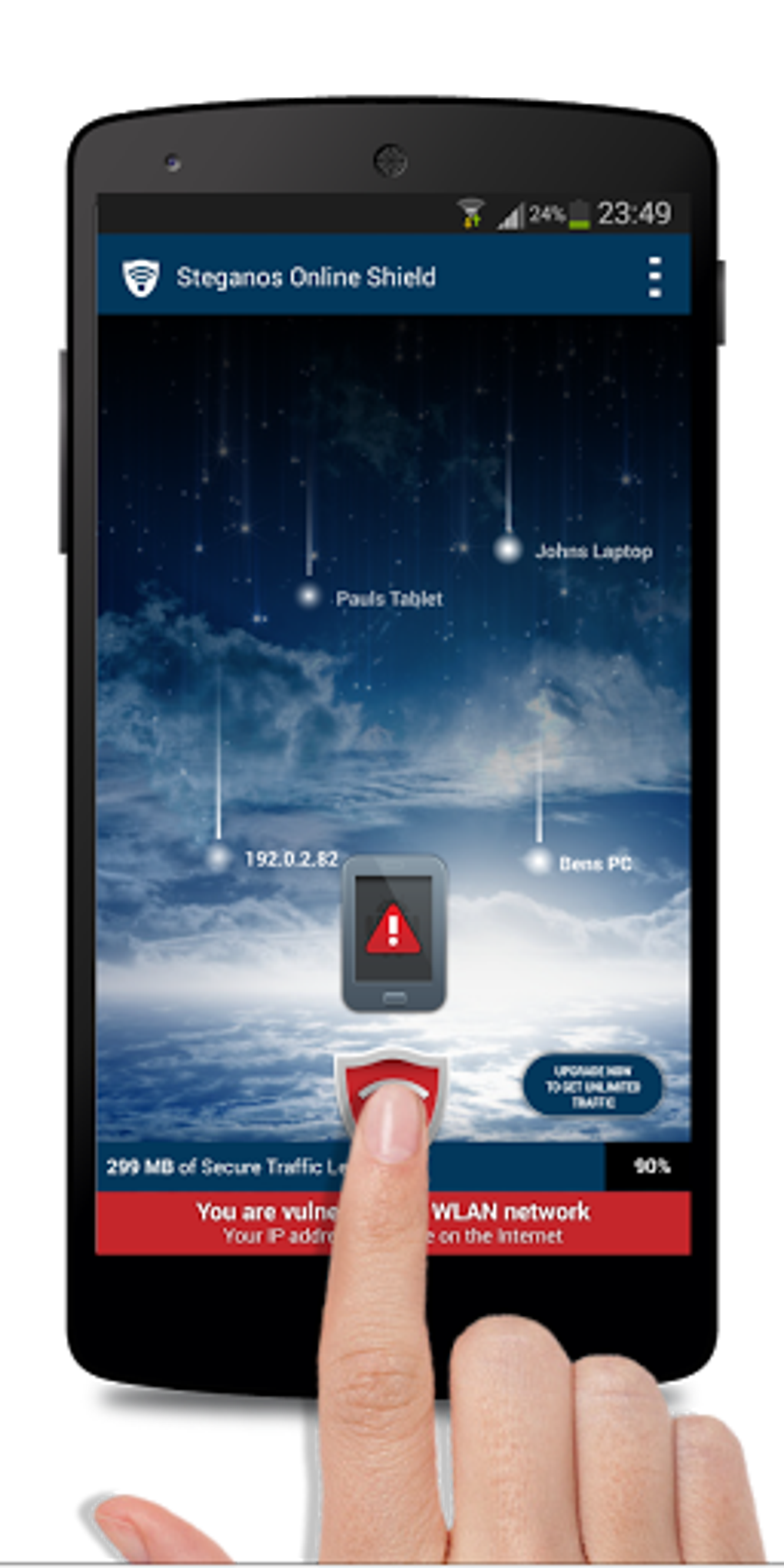
The user interface of Steganos Online Shield VPN APK is designed for simplicity and ease of use, focusing on quick connection and clear status indicators. Users can initiate a secure connection with a single tap, and the app displays real-time connection status, server location, and encryption level. Navigation is straightforward, with minimal onboarding steps, making it accessible to non-technical users.
Workflow efficiency is optimized for mobile use, allowing users to maintain secure browsing without disrupting regular app usage. The app runs in the background and automatically reconnects when the network drops, ensuring continuous protection. However, the developer did not specify resource usage details, and performance observations are based on general software behavior patterns. Stability appears consistent across tested environments, though specific CPU or RAM behavior was not disclosed.
Compatibility & System Requirements
Steganos Online Shield VPN APK is designed for Android devices and is compatible with the latest versions of the operating system. The application has a file size of 15.8 MB, indicating a lightweight footprint suitable for most Android smartphones and tablets. The software version is 1.0.1, released on April 15, 2024.
Exact system requirements were not listed, and compatibility information was partially provided. Users should ensure their device runs a supported Android version, though specific minimum requirements are not available. Installation is straightforward, with the APK format allowing direct deployment on compatible devices. The app does not require root access, making it accessible to a wide range of users.
Pros and Cons
Pros
- Free to download and use with no hidden costs
- Provides strong encryption and IP masking for enhanced privacy
- Supports multiple network types, including 4G and LTE
- Enables access to geo-restricted content through global servers
- Simple interface with minimal user effort required
Cons
- No detailed system requirements provided by the developer
- Performance metrics such as speed or data usage were not disclosed
- APK format may raise concerns for users unfamiliar with sideloading
- Limited information on server locations and network infrastructure
- No mention of automatic update mechanisms
FAQ Section
Is Steganos Online Shield VPN compatible with all Android devices?
The application is designed for Android, but exact compatibility details were not provided by the developer. Users should ensure their device runs a supported Android version.
Is the app safe to use with sensitive data?
Steganos Online Shield VPN uses encryption and IP masking to protect user data. However, no independent security audits or third-party verification were mentioned.
Does the app update automatically?
There is no information available about automatic update functionality. Users may need to manually check for new versions.
Can I use the app offline?
The app requires an active internet connection to establish a secure tunnel. It cannot function without connectivity.
Is the license type permanent?
The software is free to use, but the developer did not specify whether the license is permanent or time-limited.
Final Thoughts
Steganos Online Shield VPN APK offers a practical solution for Android users seeking enhanced privacy and security on mobile networks. With its focus on encryption, IP masking, and access to global servers, it addresses critical concerns related to online tracking and data theft. The app’s lightweight design and simple interface make it accessible to a broad audience, including those with limited technical experience.
While some details such as system requirements and performance metrics are missing, the core functionality remains solid and aligned with user needs. It is particularly beneficial for travelers, remote workers, and privacy-conscious individuals who frequently use public Wi-Fi. The fact that it is free adds significant value.
Download Steganos Online Shield VPN now and take control of your digital privacy on every network.
Guides & Tutorials for Steganos Online Shield VPN APK
How to install Steganos Online Shield VPN APK
- Click the Preview / Download button above.
- Once redirected, accept the terms and click Install.
- Wait for the Steganos Online Shield VPN APK download to finish on your device.
How to use Steganos Online Shield VPN APK
This software is primarily used for its core features described above. Open the app after installation to explore its capabilities.
User Reviews for Steganos Online Shield VPN APK 0
No reviews found





